Onboarding multiple repositories for scanning
Configure connections to repositories from the Applications page for static analysis and Software Composition Analysis scanning.
You can onboard multiple repositories at once by connecting directly to external repository providers and selecting relevant repositories. Onboarding repositories in this manner creates applications associated with the repositories. During onboarding, you can configure and schedule scans.
To onboard repositories:
- From the Applications page, click
Onboard repositories.
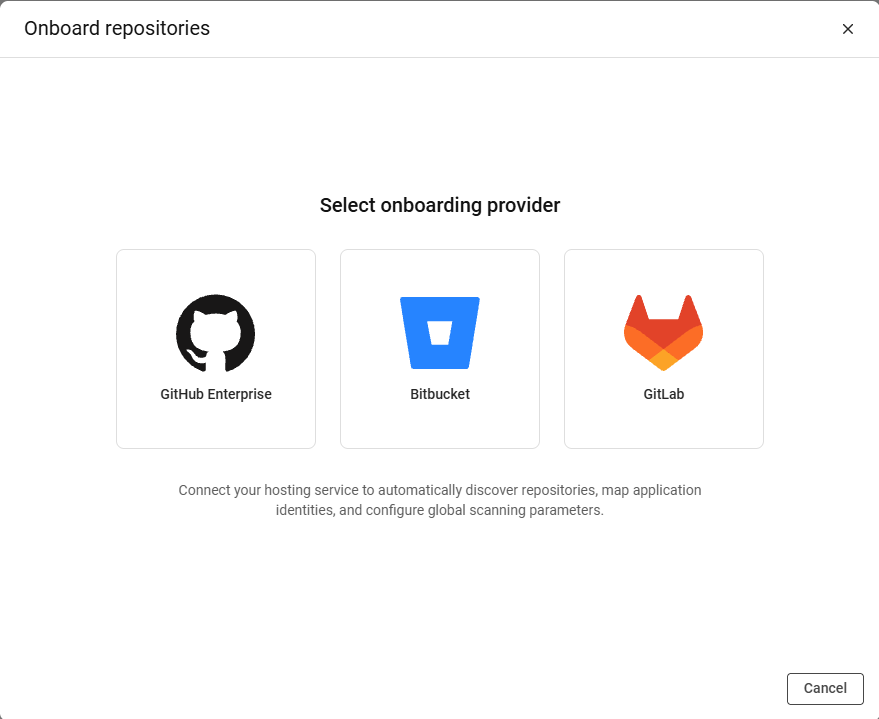
- Select a repository provider:
- GitHub Enterprise
- Bitbucket
- GitLab
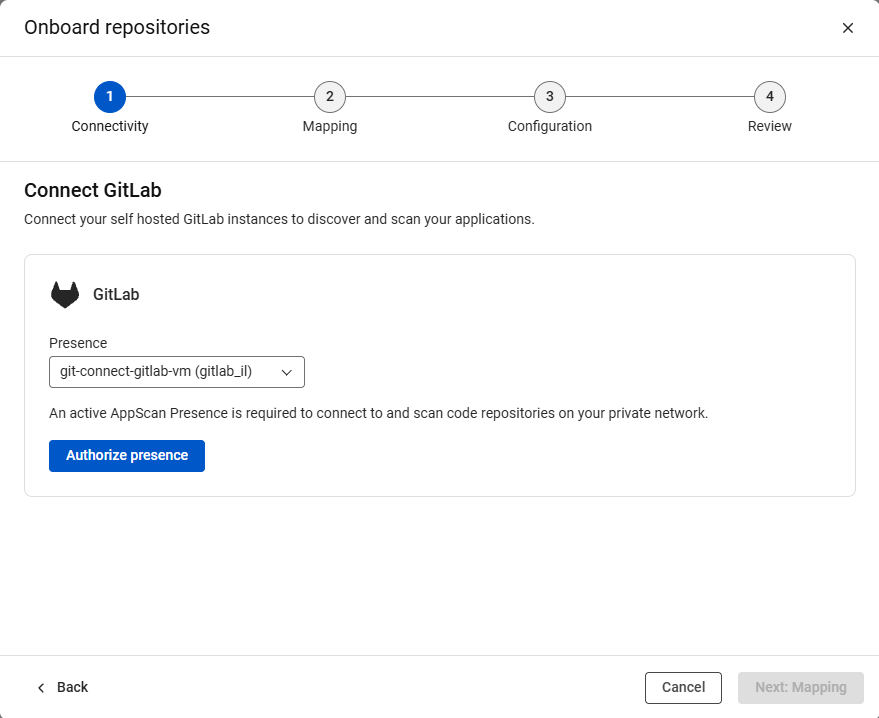
- Select an AppScan Presence from the available
Presence list, and click Authorize
Presence.To setup an AppScan Presence for use with a repository, see one of the following topics:
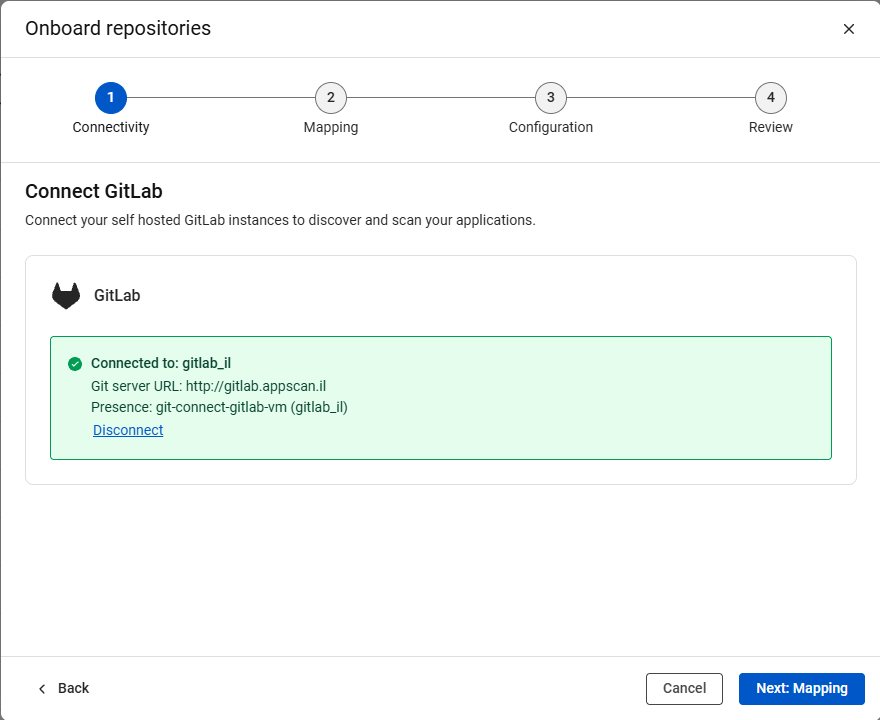
- Once the connection is confirmed, click Next:
Mapping.
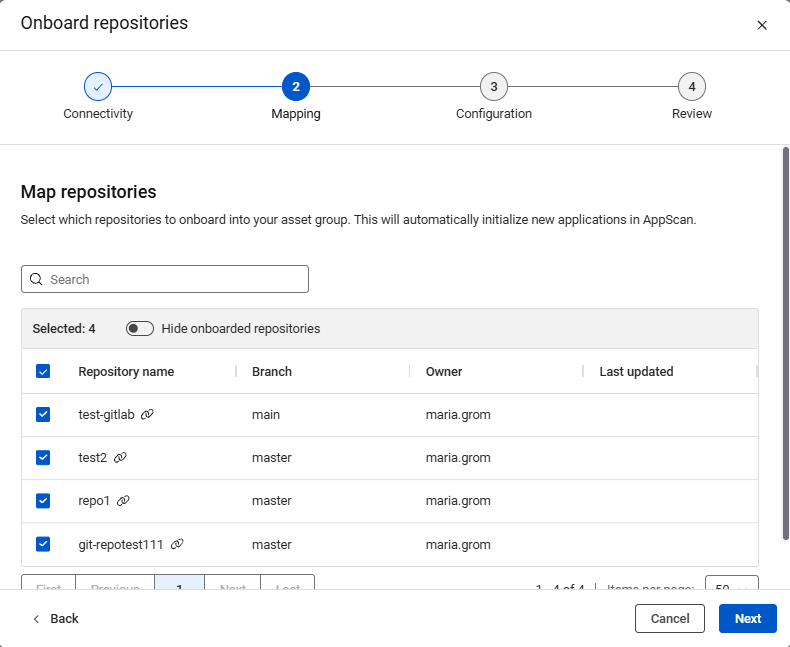
- Choose the repositories to map to an asset group, then click
Next.
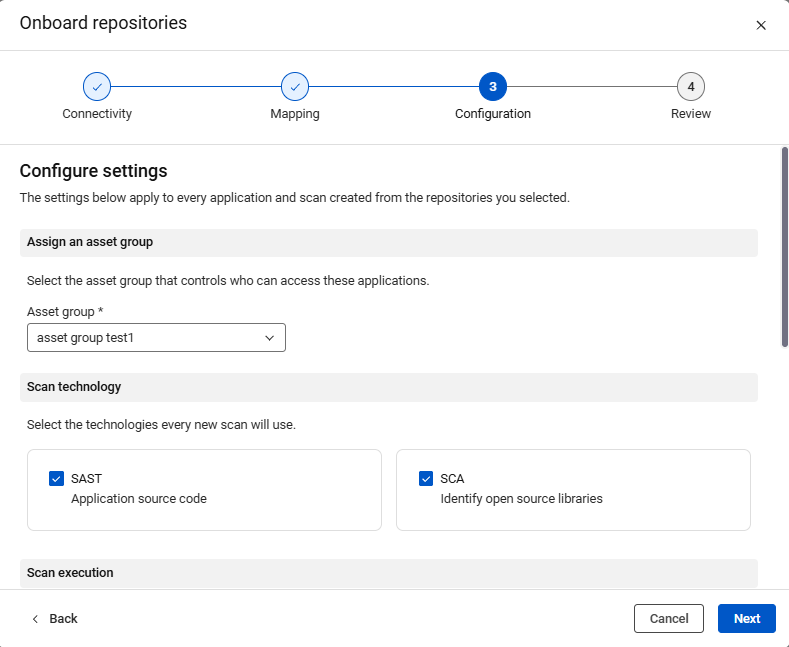
- Configure settings to be associated with the mapped repositories, then click
Next.
- Asset group: The asset group that controls the associated applications.
- Scan technology: Static analysis (SAST) or Software Composition Analysis (SCA)
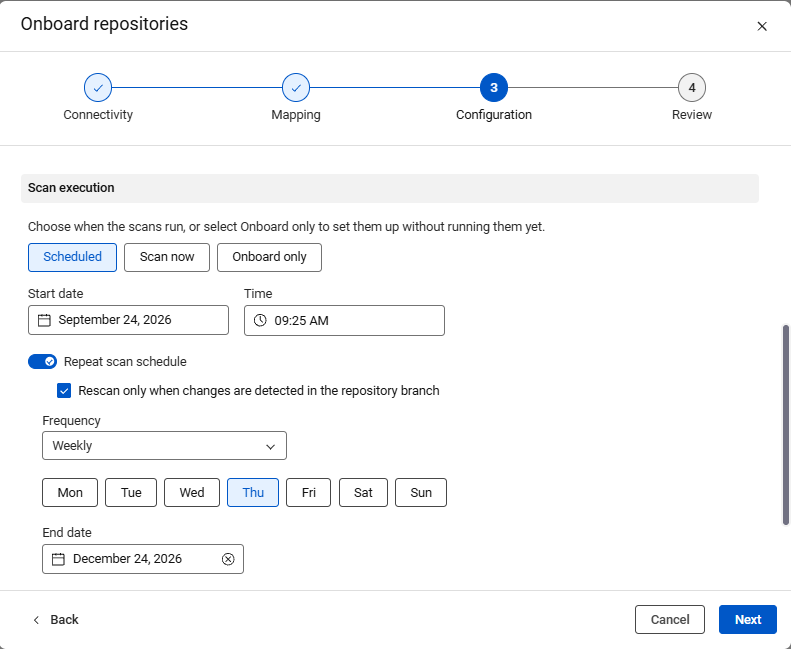
- Scan execution: Schedule scanning, scan now, or only link the repository
to AppScan on Cloud
When scheduling scanning, specify start date and time, and frequency.
- Review your choices then click Initiate Onboarding.
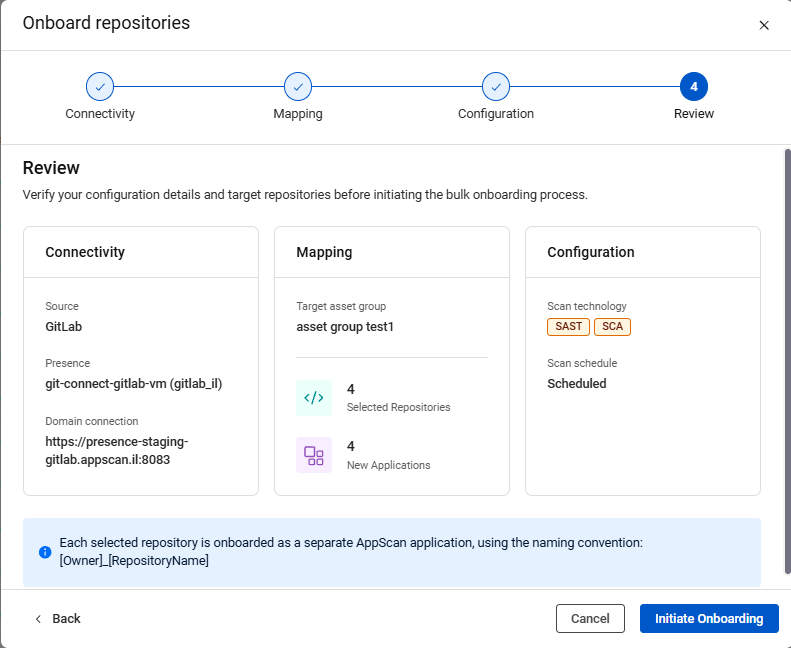
HCL AppScan on Cloud creates an application for each connected repository.
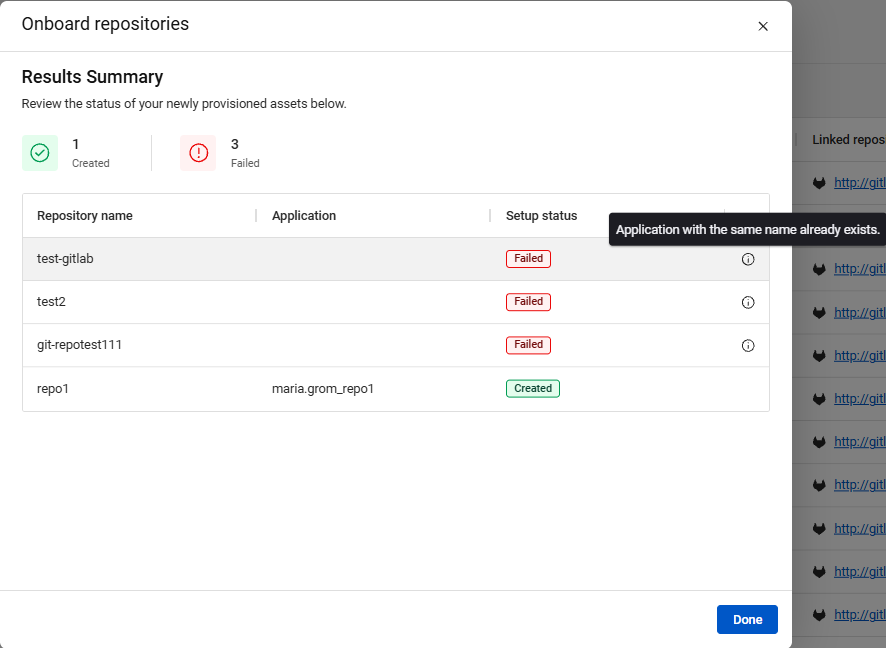
- When onboarding is complete, HCL AppScan on Cloud displays results. Click
Done to exit the wizard.